Console has a new multi-file viewer that allows you to browse the contents of multi-file input and output. You can view CSV and JSON files in table views or raw views, and you can view XLSX files as well (powered by SheetJS Community Edition). You can view the contents of other types of files as well (.txt, .yaml, etc.).
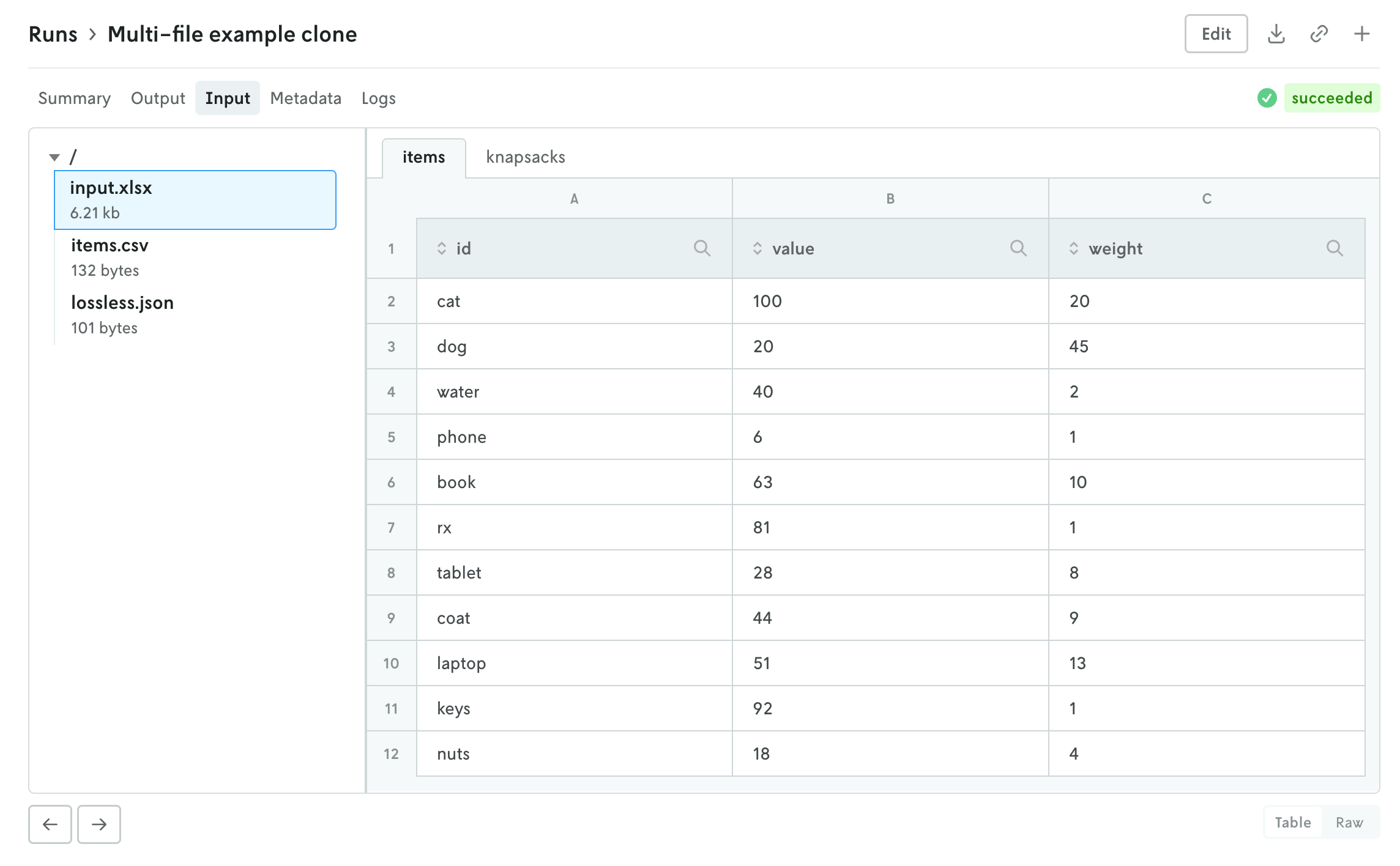
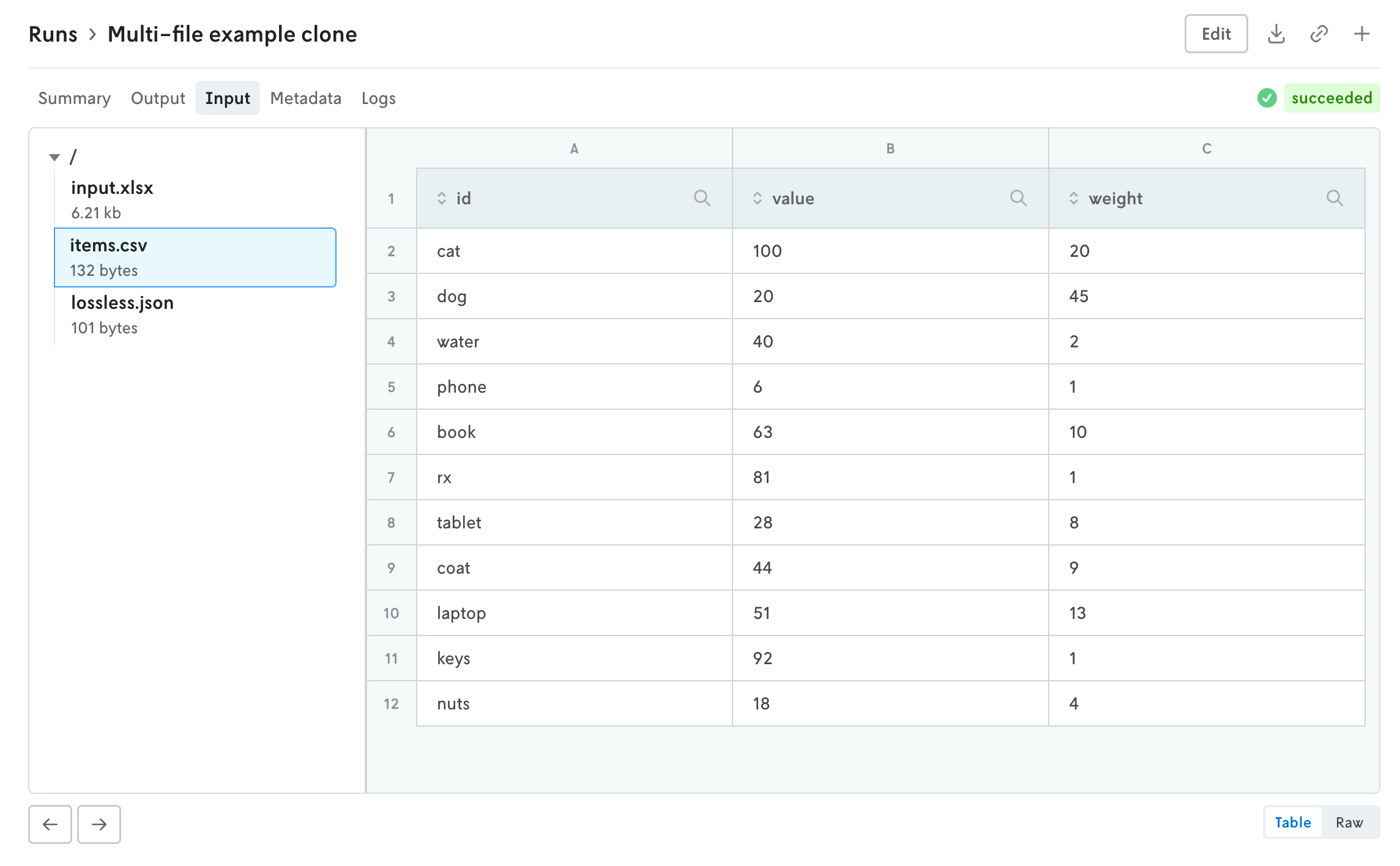
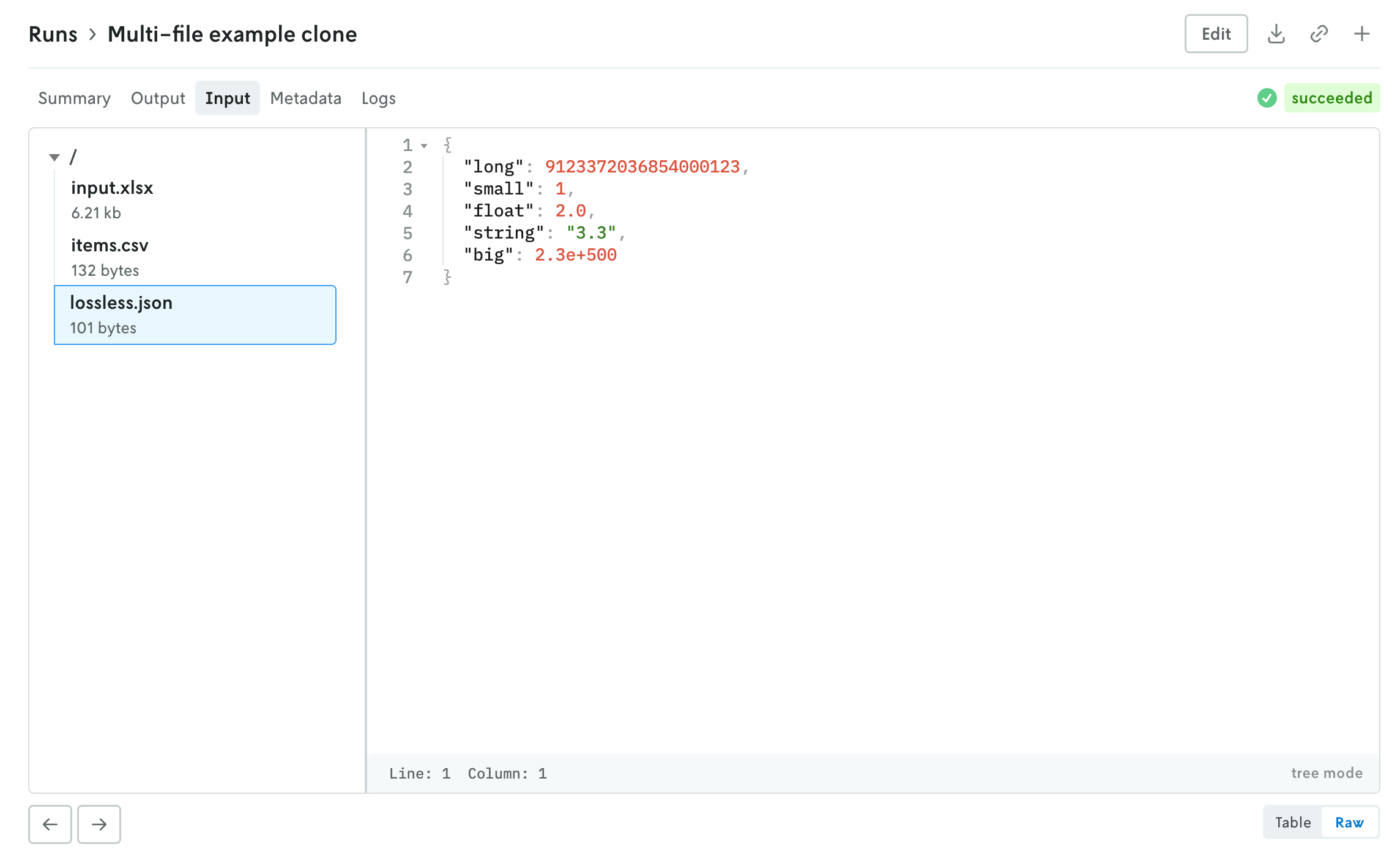
The left side is the file browser and the right side displays the contents of the file. You can also browse the contents of a multi-file run input on the create run view before you make the run. Note that for multi-file runs you can drag and drop files and directories and the directory structure will be preserved.
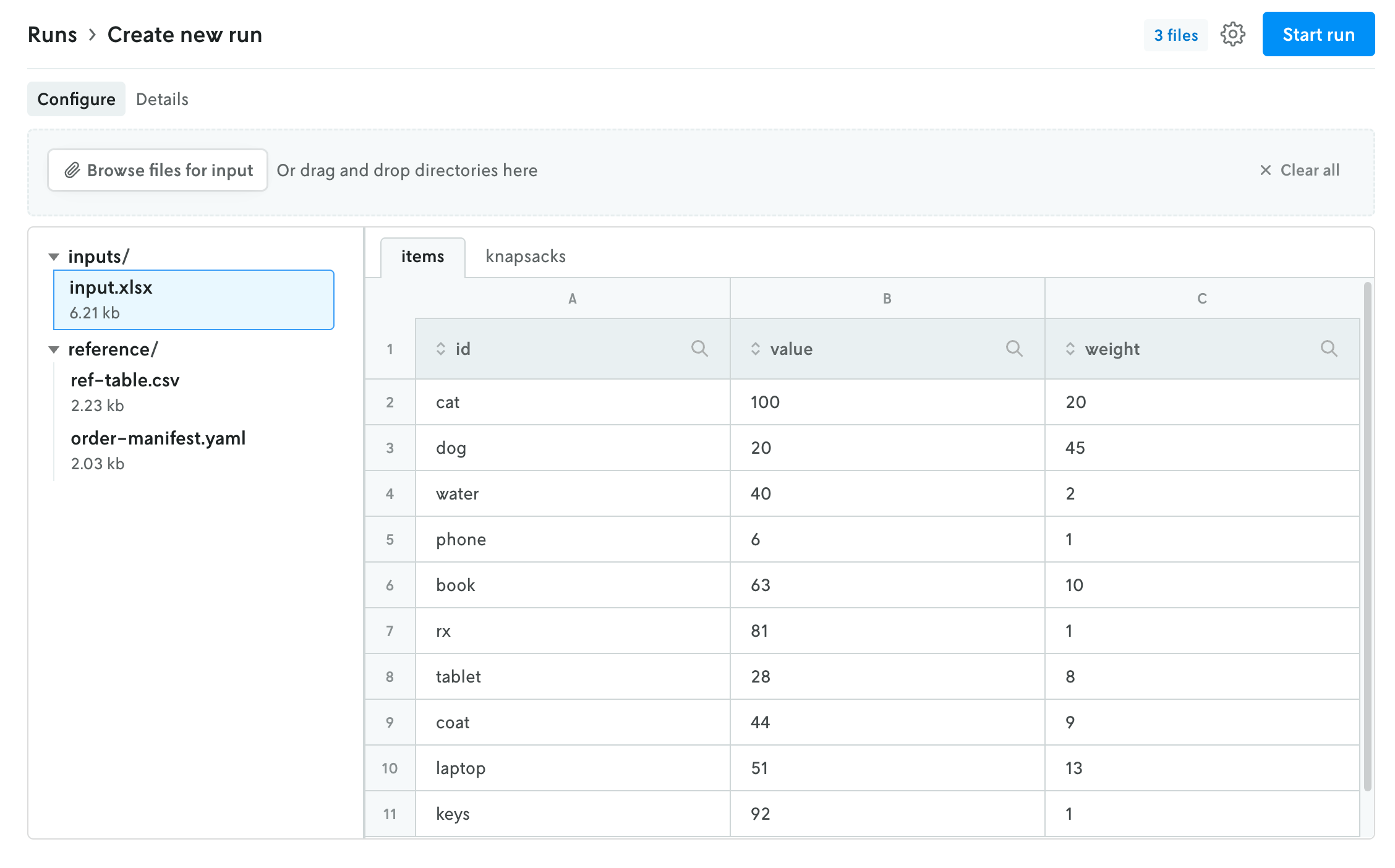
The file size threshold for viewing individual files within a multi-file run in Console is 10 MB. Any file over 10 MB will display an interface for downloading the individual file. You can also download the entire input or output file using the standard action buttons in the header of the run details view.