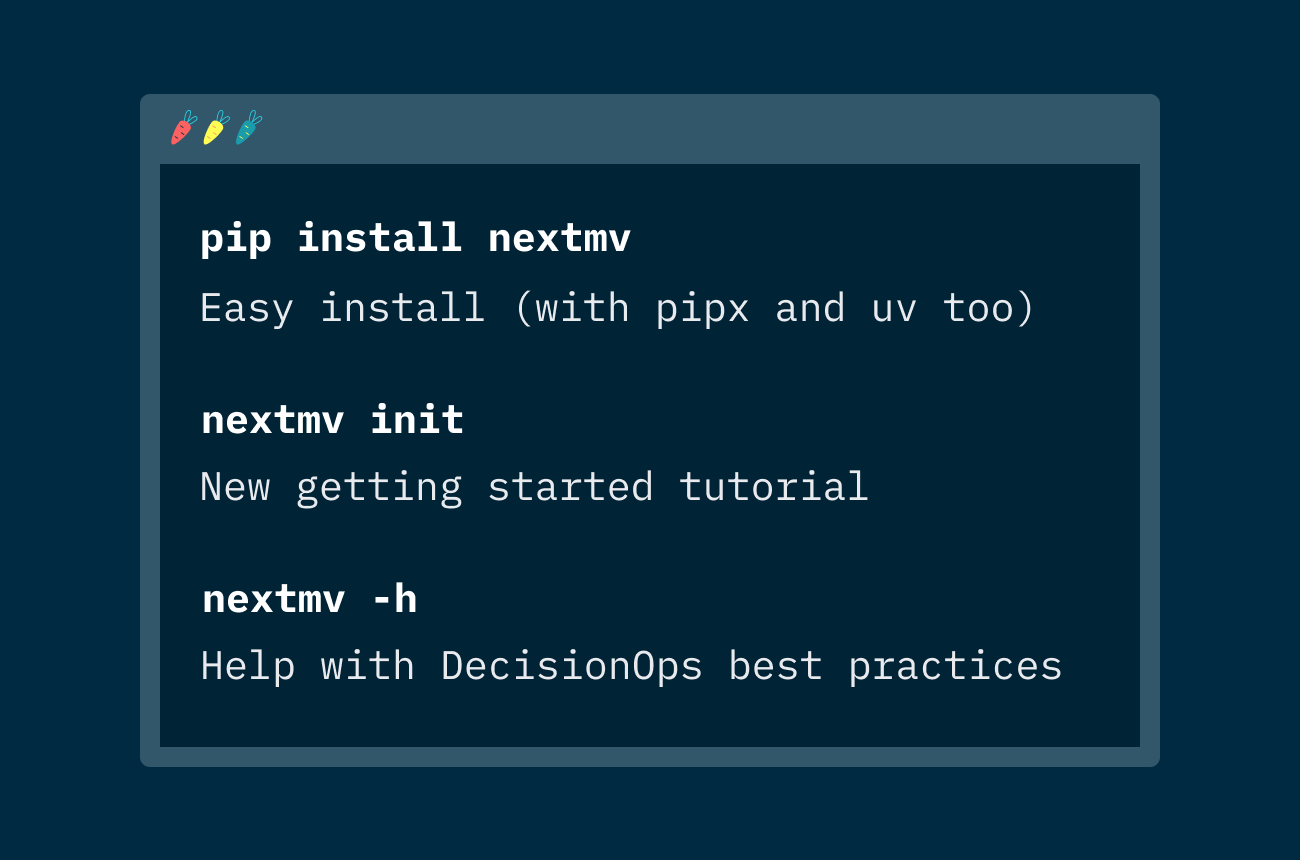
👋 Hello to the next-generation Nextmv CLI! We’re excited to share this new command line tool for Nextmv with you because it’s the easiest way to apply DecisionOps best practices to the complete decision application lifecycle — from optimization to simulation, rules engines, heuristics, and beyond.
The Nextmv CLI is your gateway to all the infrastructure needed to get your decision app ready for real-world impact by systematically organizing and managing decision app versions, experiments, and run data (visualizations, I/O, metrics, logs, etc). It also provides a seamless path from local model development to remote model runs. Start by leveraging Nextmv’s open source DecisionOps framework for local development, sync your activity to the Nextmv UI for an interactive system of record, and then push and manage your model experiment or production runs on Nextmv’s remote infrastructure.
Get a preview of the experience in this video.
Connect a new or existing decision model to Nextmv by following a few prompts in the Nextmv CLI. (You can also try one of our community decision apps based on a variety of optimization and simulation technologies.) From there, you can start pushing and managing model versions, running scenario tests, incorporating automated testing into CI/CD workflows, and implementing shadow mode for parallel model analysis and fallback. Check out the (short) installation guide in our docs.
A final easter egg to leave you with: The Nextmv CLI is built on top of the Nextmv Python SDK. Given all of it is open-source, feel free to inspect the code and suggest any improvements. You know what else is going to be powered by the Python SDK? A Nextmv MCP (Model Context Protocol). Exciting things are ahead. Stay tuned...